Find the dates
Open day, enrolment period, holidays, exam weeks. The calendar is the most visited page of any school site, so it has to read on a phone and stay current.

Websites for schools & training centres
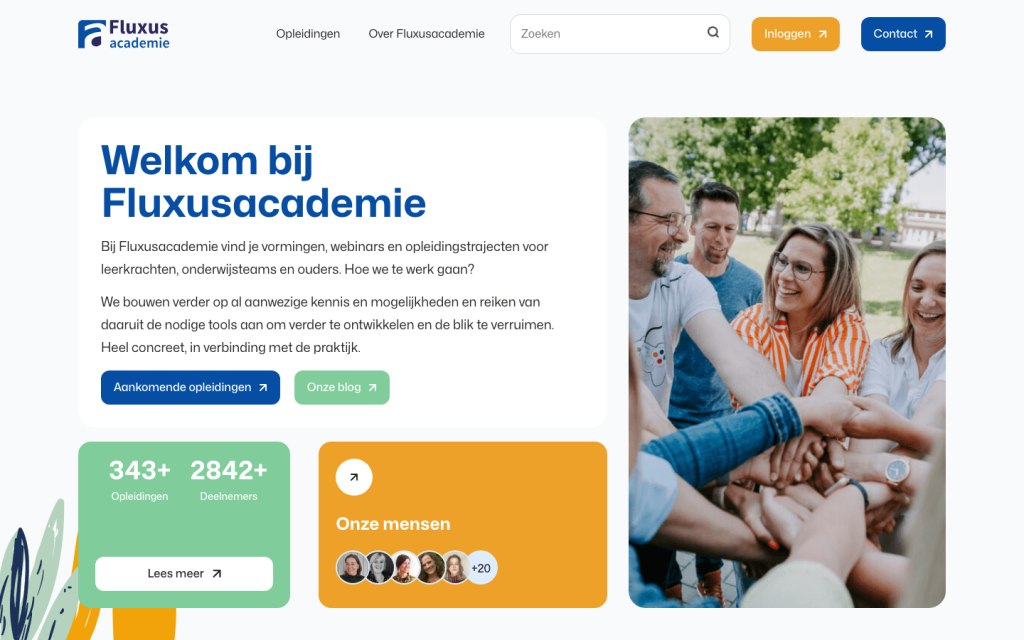
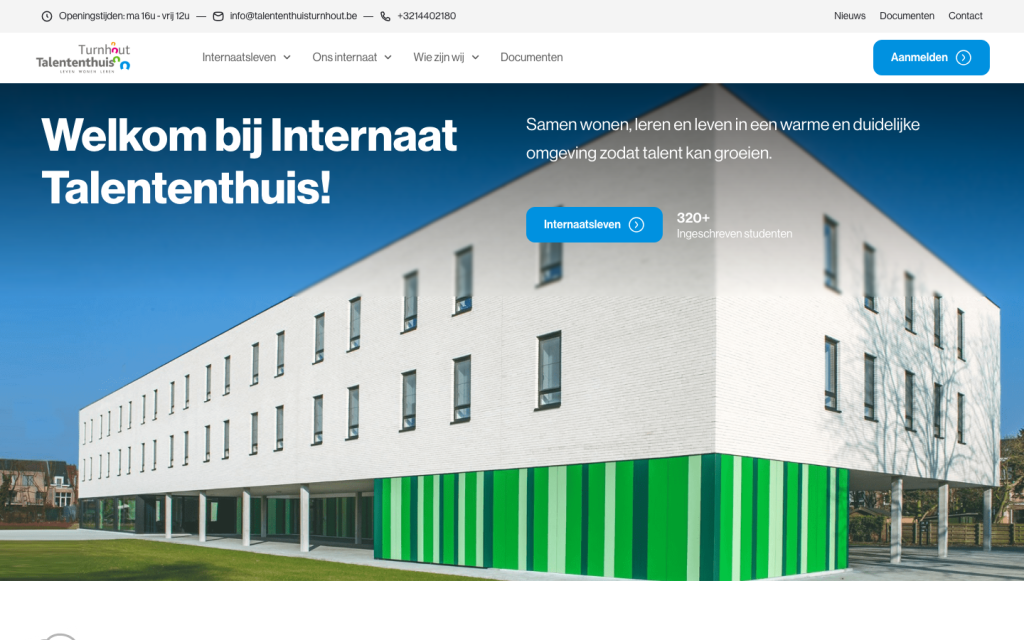
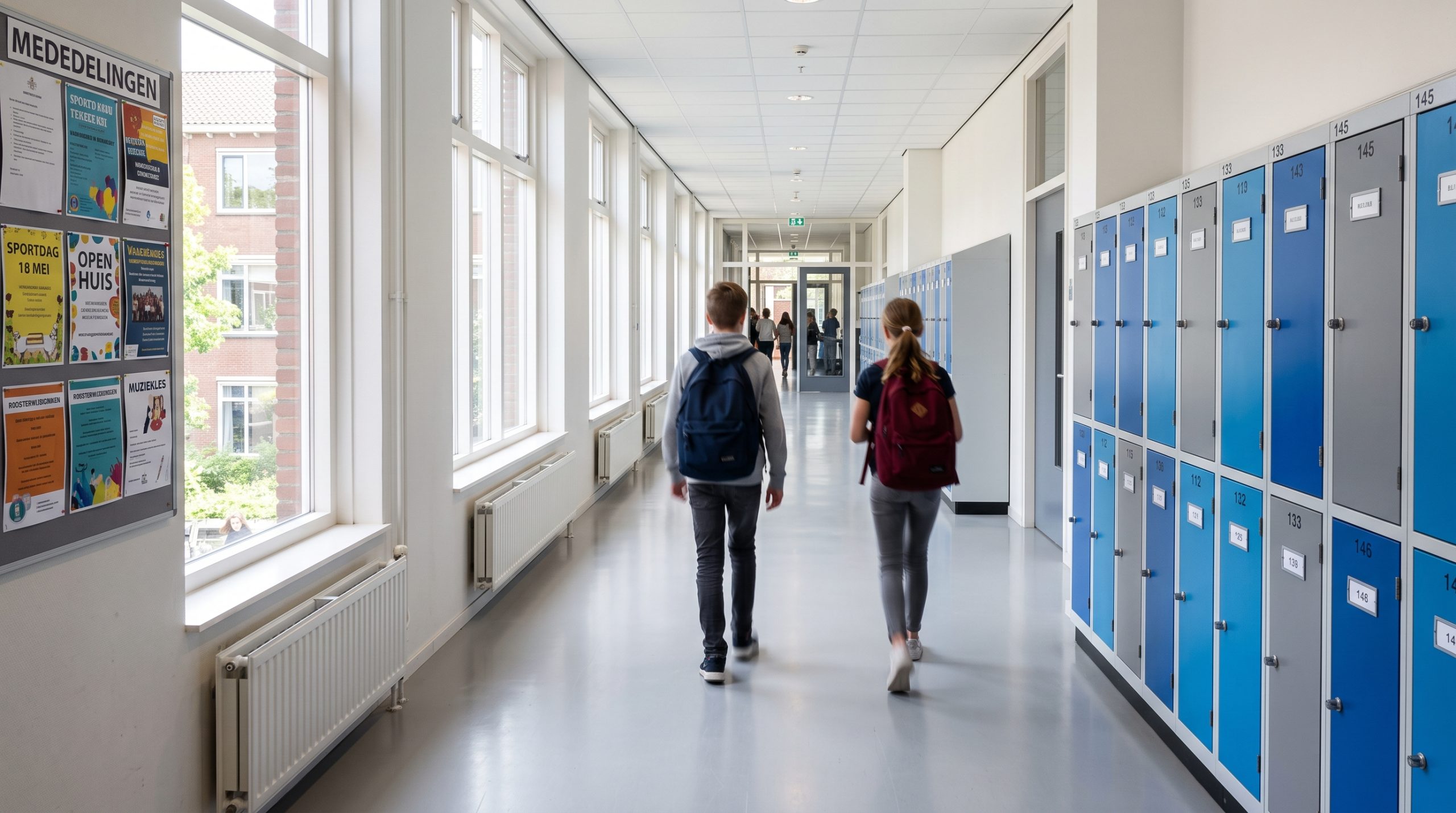
↓Parents look for three things: when is the open day, how do I enrol, what is happening this week. Staff want a site the secretariat can update without calling anyone. We build both, accessible, in several languages, with the enrolment forms and calendar built in. We've done it for a training academy and a boarding school.
What parents and students want
Open day, enrolment period, holidays, exam weeks. The calendar is the most visited page of any school site, so it has to read on a phone and stay current.
An enrolment or information form that takes two minutes, with a clear confirmation, and a phone number for the rest. Not a PDF to print and scan.
Your programmes, your approach, your people, the atmosphere. In plain language, in the languages your parents speak.
What we build
Forms for enrolment requests, open days and information sessions, through our WPStack Forms module. Submissions land with the secretariat, with a confirmation to the parent.
School calendar per campus or programme, readable on a phone, updated by the secretariat in a minute. Optional link to your existing calendar.
A page per programme and per campus, with the team, practical info and photos, in a structure a parent understands in one glance.
Clear entrances to Smartschool, the parent portal or your learning platform, without mixing them with the public site.
Built to the accessibility standards for public bodies: contrast, keyboard navigation, readable text. In Dutch, French, English or more, each a full copy of the site.
News and photo albums the team posts from their phone, with consent for pupil photos handled properly, and cookie consent through our GDPR module.
The tools behind your site
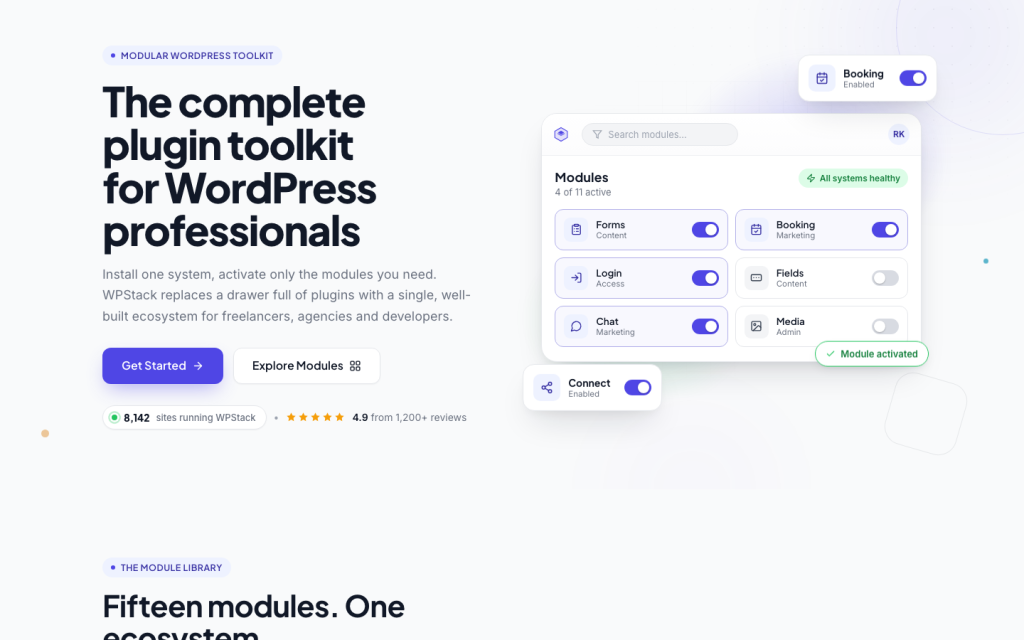
Forms, GDPR, e-mail, login protection and backups on a school site all come from WPStack, the plugin suite we built ourselves. One panel the secretariat learns in an hour, updates we control, nothing that breaks in the first week of September.
See what's in WPStack→How it works
A 20-minute call about your school, your programmes and who will maintain the site. You get a clear proposal the next working day, one you can put in front of a board.
We design and build the site around your structure and your calendar, set up forms and languages, and show the staging link to your team every week.
We launch, train the secretariat and the team in 30 minutes, and stay available for the first weeks.
Good to know
Anything else? Ask us, we answer within a working day.
Yes. Each person gets their own login with the rights they need: the secretariat for the calendar and forms, teachers for news and photos, the director for everything.
Yes. You get a fixed proposal with a clear scope and timeline that you can put in front of a school board or in a file.
Yes. We build to the accessibility standards that apply to public bodies: contrast, keyboard navigation, readable structure, alt texts. We check it before launch.
It depends on the number of programmes and campuses, the languages, forms and calendar. After the call you get a fixed proposal with everything in it, no surprises afterwards.
Most school sites are live within four to six weeks after the call, planned around the school year.
The site only shows photos with consent. We set up a simple way to record that, and the team can take a photo down in a minute.
Let's talk
We gebruiken cookies om uw ervaring te verbeteren, gepersonaliseerde inhoud te tonen en ons verkeer te analyseren. Kies welke cookies u toestaat. Cookiebeleid
Noodzakelijk om de website te laten functioneren en kan niet worden uitgeschakeld. Meestal ingesteld als reactie op uw acties, zoals inloggen of het invullen van formulieren. (Always active)
Stelt de website in staat om keuzes te onthouden die u maakt (zoals uw taal of regio) voor een persoonlijkere ervaring.
Helpen ons te begrijpen hoe bezoekers de website gebruiken door anoniem informatie te verzamelen en te rapporteren.
Gebruikt om bezoekers over verschillende websites te volgen en advertenties te tonen die relevant en aantrekkelijk zijn.